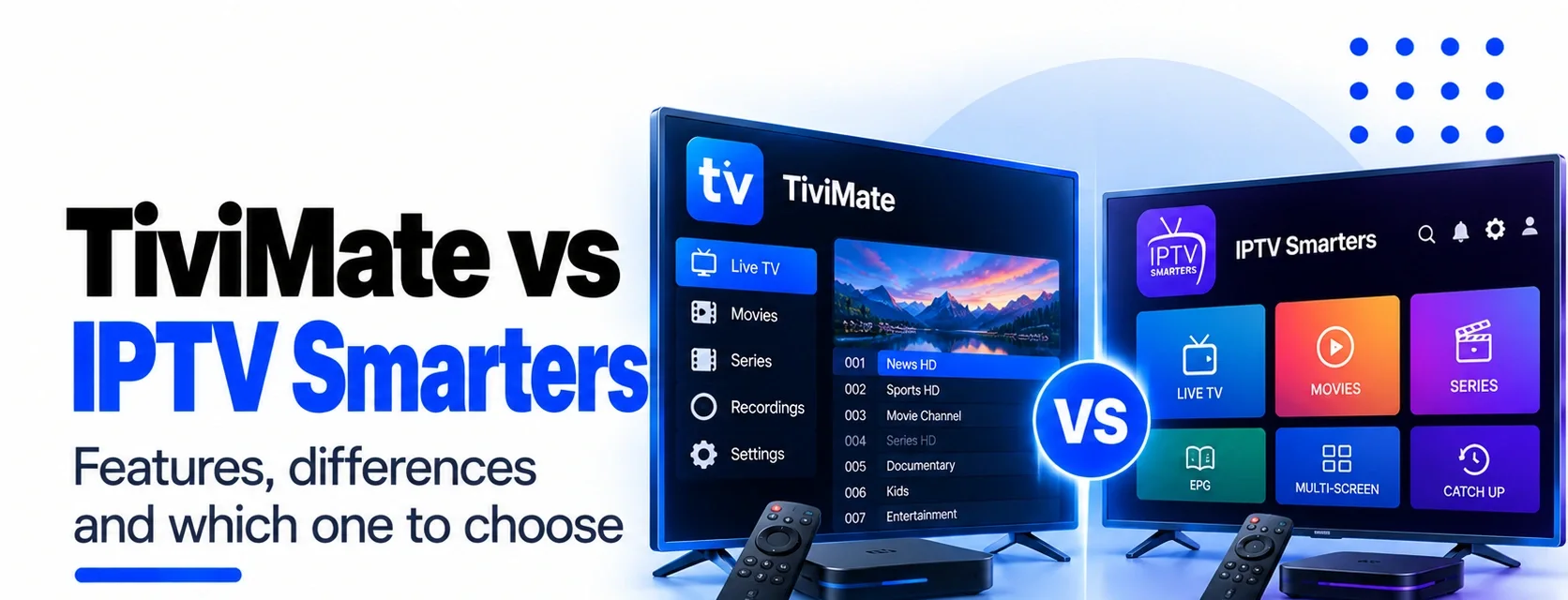
What both players have in common
TiviMate and IPTV Smarters solve the same basic problem: they take a playlist or portal login from an authorized provider and turn it into a channel list, a programme guide and a video player. Neither app includes channels, films or a subscription, and neither can repair a failing provider.
Both accept the two common delivery methods. An M3U URL is a single link to a playlist; Xtream Codes is a server address with a username and password. In both apps you add one of those, wait for the playlist to import, then load guide data and test playback. The account belongs to your provider, not to the player.
| Job | TiviMate | IPTV Smarters |
|---|---|---|
| Supplies channels or subscriptions | No | No |
| M3U playlist login | Yes | Yes |
| Xtream Codes login | Yes | Yes |
| Live TV, films and series from your source | Yes | Yes |
| Works without a provider login | No | No |
Platform support is the real dividing line
This is where the decision usually makes itself. TiviMate is an Android TV application. It runs on Android TV, Google TV and Fire TV devices, which is why the Firestick installation guide exists; it is not a native app for Samsung Tizen, LG webOS, iOS, Windows or Roku.
IPTV Smarters takes the opposite approach. The developer's FAQ lists Android, Android TV, Amazon Fire TV, iOS, tvOS, macOS, Samsung, LG, Roku, Windows, Web TV and Zeasn. Availability still varies by region, store and app version, so treat the list as a starting point and confirm the current listing for your device.
| Device | TiviMate | IPTV Smarters |
|---|---|---|
| Android TV or Google TV box | Native app | Native app |
| Amazon Fire TV stick | APK installation | App or APK, depending on model |
| iPhone, iPad or Apple TV | No | Yes |
| Windows or macOS computer | No | Yes |
| Samsung or LG smart TV | No native app | Yes, where the store lists it |
| Roku | No | Yes, where the channel is available |
Interface: remote-first versus cross-platform
TiviMate is designed around a television and a directional remote. The guide, channel list and player controls are arranged for a ten-foot viewing distance, and the app assumes one household watching one large screen. That focus is its main advantage: fewer layouts, fewer touch targets and a shorter path from the guide to a channel.
IPTV Smarters has to work on a phone, a tablet, a computer and a television, so its interface is more general. It is familiar to people who have used other IPTV players, and it carries the same account across device types. The trade-off is that the TV experience can feel less specialised than a player built only for the living room.
Remote behaviour matters more than screenshots. Test how many clicks it takes to open the guide, change a channel and return to the previous one. A layout that looks clean on a phone can be slow with a television remote.
EPG, recording and multiview
Guide data depends on the provider first and the player second. Both apps can read an XMLTV guide or a guide supplied through Xtream Codes, and both can show gaps when the source has no programme information. Neither app invents schedules for channels the provider does not document.
Recording and multiview are where TiviMate's Premium tier is more clearly defined. TiviMate Premium adds recording to local or USB storage, multiview, catch-up, parental controls and backup, subject to the source and device. IPTV Smarters offers multi-screen and catch-up on supported builds, but the exact feature set varies by platform and release. Confirm the feature in the current app before buying either product for it.
| Feature | TiviMate | IPTV Smarters |
|---|---|---|
| Live guide from provider data | Yes | Yes |
| Recording to local or USB storage | Premium | Confirm on your platform |
| Multiview or multi-screen | Premium | Supported builds |
| Catch-up with provider archive | Premium | Where the provider supports it |
| Parental controls | Premium | Supported builds |
| Backup and restore settings | Premium | Confirm on your platform |
Free tier and paid upgrade
TiviMate has a usable free tier: one playlist, live channels and the guide. Premium removes the playlist limit and adds the convenience features above. Reported US pricing in October 2026 was roughly US$9.99–11.99 per year or about US$33.99 one-time, but the in-app checkout is the only figure that applies to your account. The TiviMate Premium price guide explains the reported terms without treating them as an official global price list.
IPTV Smarters is generally free to download with paid upgrades or a trial, depending on the platform and store. Its price is split across several listings and distributors, so a figure from one country or device may not match another. Open the purchase screen on the device you intend to use and read the term before confirming.
Do not compare the two on sticker price alone. Add the cost of the provider, any storage for recording and the time spent learning the interface. A player is a small part of the monthly bill.
Setup effort and provider compatibility
A provider that publishes only a portal MAC address may not work with every player. Ask which login methods are supported before you choose the app, rather than discovering the mismatch after a purchase. The setup guide covers the TiviMate side of that sequence.
- Both need the exact M3U URL or Xtream server, username and password from your provider.
- TiviMate supports M3U, Xtream Codes and Stalker Portal logins; check that your provider documents the method you intend to use.
- Smarters supports M3U and Xtream Codes on its current builds; portal support varies, so confirm before migrating.
- If the same credentials fail in both apps, the account or server is the common factor, not the player.
- If they work in one app but not the other, compare the login method and the exact server address before changing settings.
Which one should you choose?
If you already own an Android TV device and the provider works, TiviMate is the more focused choice. If the household includes an iPhone, a Windows laptop or a Samsung television, Smarters avoids a second player and a second learning curve. Running both is also reasonable: the same authorized account can be tested in each app, provided the provider's connection limit allows it.
| Your situation | Better fit | Why |
|---|---|---|
| Android TV, Google TV or Fire TV in the living room | TiviMate | Remote-first interface and a clear Premium DVR path |
| You need the same login on a phone, laptop and TV | IPTV Smarters | Broader platform coverage |
| Samsung, LG or Roku television with no Android box | IPTV Smarters | TiviMate has no native app for those systems |
| Recording and multiview are the priority | TiviMate Premium | Those features are explicitly part of the paid tier |
| You want the simplest free test on an Android box | Either, starting with TiviMate free | One playlist and the guide are enough to test the source |
| The provider only supports a portal MAC login | Check both before buying | Login-method support differs by app and version |
The distribution problem: verify the publisher
Search results for both apps include copycat listings, modified APKs and pages that promise free Premium. The Smarters name is used by several unrelated publishers, and TiviMate has its own share of repackaged builds. A familiar logo is not proof that the file is genuine.
Install from the developer's official site or the store listing that site links to, and check the publisher name before downloading. Avoid builds described as unlocked, patched or pre-activated. For TiviMate specifically, the APK download guide explains how to verify the source and what to do if an install fails.
What neither app can fix
When playback fails, identify the layer before changing players. The error-code reference maps common status codes to credentials, permissions, URLs and provider faults; the buffering guide handles network and device causes. Switching apps is a last step, not a diagnostic method.
- An expired or suspended provider account.
- A server that is overloaded, geo-blocked or returning 5xx errors.
- A playlist URL that has been rotated without updating the app.
- A connection limit that is already consumed by another device.
- Weak Wi-Fi, an overloaded router or a device that cannot decode the stream.
FAQs
- Is IPTV Smarters better than TiviMate? It is better only if you need its wider device support; on Android TV, TiviMate is more focused.
- Does either app include channels? No; both are players for a source you provide.
- Can I use the same login in both? Yes, if the provider allows it and the connection limit covers the sessions.
- Which has better recording? TiviMate documents recording as a Premium feature; confirm Smarters recording on your platform.
- Which is cheaper? Compare the current checkout screens, not old blog posts; the provider subscription is usually the larger cost.
Bottom line
Choose TiviMate when the television runs Android TV, Google TV or Fire OS and you want a remote-first guide with a defined Premium upgrade path. Choose IPTV Smarters when the same login has to work on a phone, computer or a smart TV that TiviMate does not support. In both cases, verify the publisher, test the provider before paying for an upgrade, and keep the player separate from the content subscription in your budget.